How much does it cost?
$9.99, one time — no subscription. It's a universal purchase, so the same $9.99 covers the Mac, iPhone, and iPad apps. Readwise Reader charges $9.99 a month and Matter charges $60 a year; Pagepile asks once.
What devices does it work on?
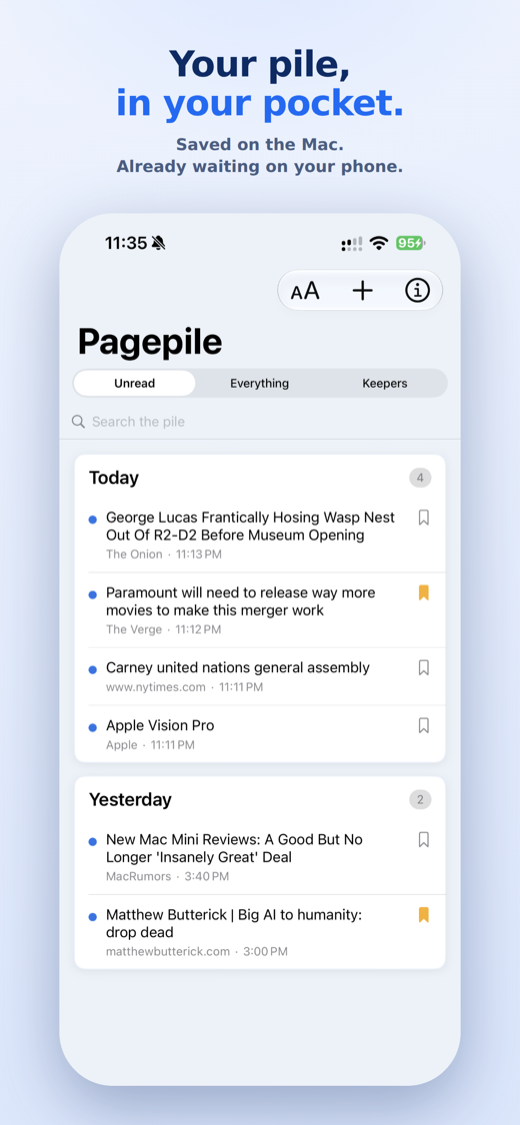
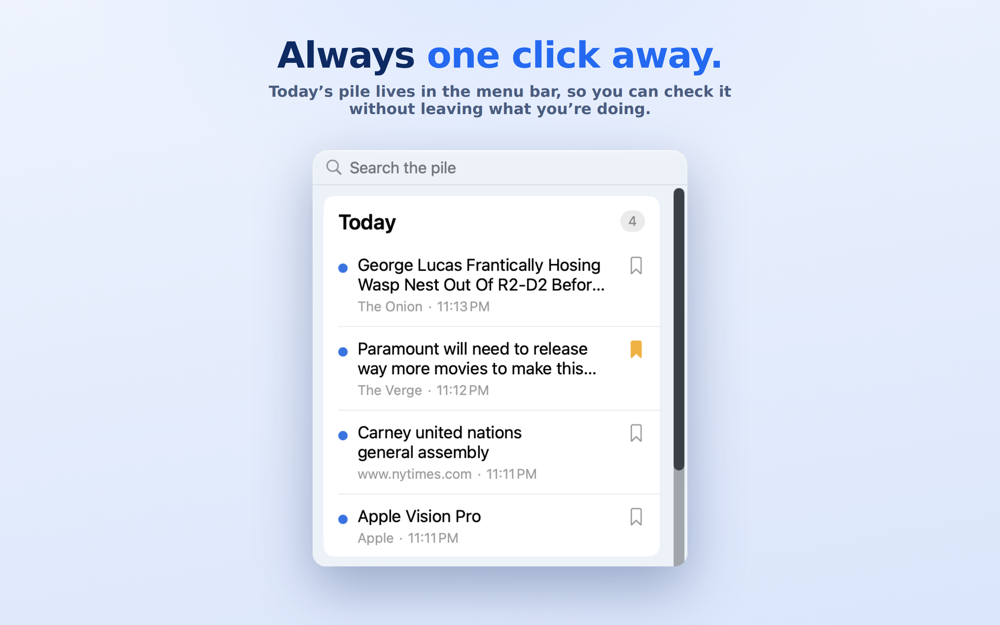
Mac, iPhone, and iPad, with widgets on all three. The Mac app lives in your menu bar, and a universal purchase means you pay once, not once per device.
How do I save a page?
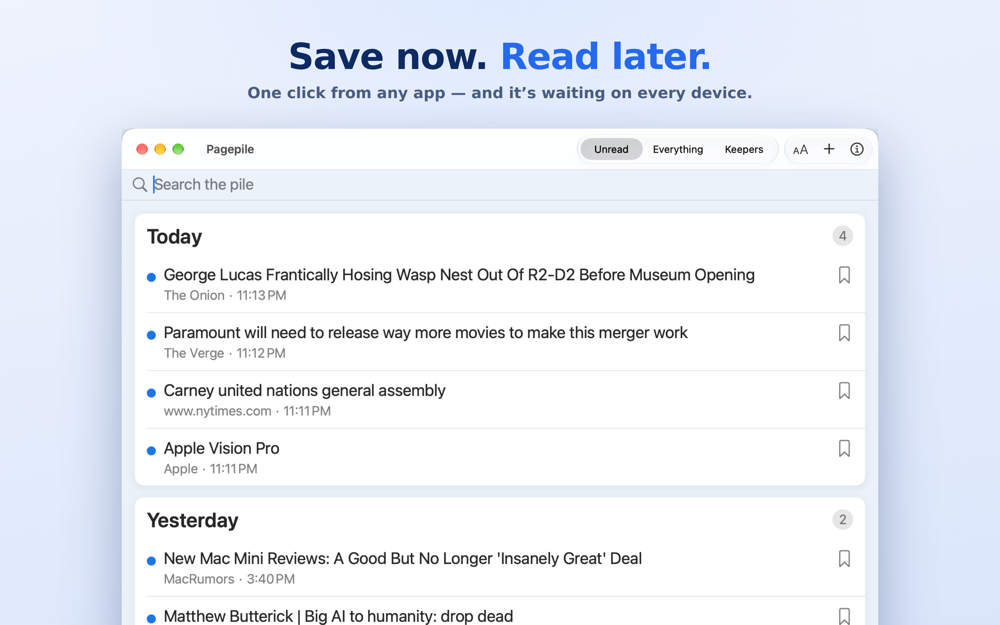
From the Share Sheet in Safari, NetNewsWire, Mail, X, or any app that can share a link — tap Share, tap Pagepile, and it's in your pile.
Is my data private?
Yes. Your pile syncs through your own private iCloud database — the same technology Apple uses for your own documents. G Wiz has no server for Pagepile and no way to see what you save — its App Store privacy label reads Data Not Collected. Full detail in the privacy policy.
How is this different from Safari's Reading List or bookmarks?
Reading List and bookmarks are built around one browser. Pagepile is built for read-later specifically — anything with a Share Sheet can add to it, and it's designed as one running pile you clear as you go, rather than a folder that quietly grows forever.
Why does the Pagepile widget turn see-through on my Mac?
That's macOS, not Pagepile. When a window is in front of the desktop, macOS dims all desktop widgets and removes their backgrounds. To keep widgets in full color, open System Settings > Desktop & Dock and set "Dim widgets on desktop" to Never.
Who made this?
G Wiz Computer Consulting in Wharton, NJ. Apple-focused IT support since 2002.